1
/
of
5
Monster Cable Satellite Finder - TV Dish Set-up Aid Pre-Owned
Monster Cable Satellite Finder - TV Dish Set-up Aid Pre-Owned
Regular price
$15.99 USD
Regular price
Sale price
$15.99 USD
Shipping calculated at checkout.
Quantity
Couldn't load pickup availability
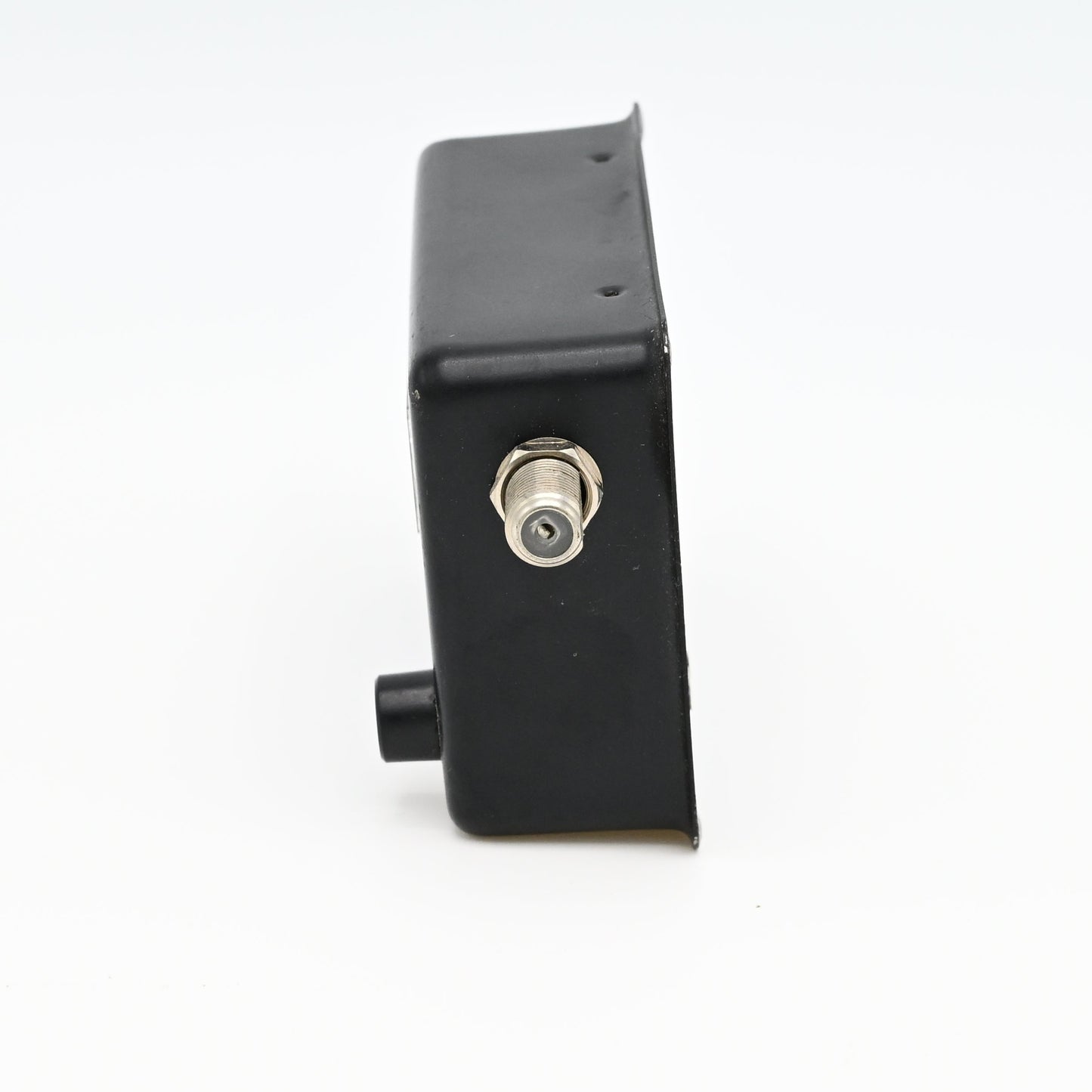
The Monster Cable Satellite Finder is an inline coaxial signal meter designed for aiming home and RV satellite dishes.
-
Key Features and How to Use
-
Function: It measures RF signal strength (RSSI) from the satellite and translates it into an audible tone and visual meter reading.
Usage: Installed between your satellite receiver and the dish's LNB (Low Noise Block) to help you manually fine-tune the dish's azimuth and elevation for the strongest connection.
Compatibility: Works universally with standard coaxial cables and LNBs typically used for residential satellite services. - Power Off: Ensure your satellite receiver is unplugged or disconnected from the power supply.
- Connect LNB: Connect a short coaxial jumper cable from the satellite dish to the connector labeled "Dish" on your Monster satellite finder.
- Connect Receiver: Connect the coaxial cable coming from your indoor satellite receiver to the connector labeled "TO RECEIVER" on the finder.
- Power On: Plug in and turn on your indoor satellite receiver. This will send the required 13V-18V DC power directly to the satellite finder.
- Adjust Sensitivity: Turn the finder’s attenuation (tuning) dial until the signal meter reads about halfway (around 3 or 4 on the scale).
- Aim the Dish: Slowly adjust the satellite dish’s left-to-right angle (azimuth) and up-to-down angle (elevation). Watch the visual signal meter for maximum signal strength
This unit is preowned but only used a couple times and is in excellent condition. Includes short coaxial jumper cable.
-
Share